The Synchron Prime + Divisimate bundle is back!
In fall of 2024 we released the Synchron Prime Template 2.0, an important step in our cooperation with Vienna Symphonic Library. The template brings together the strengths of Divisimate 2 with a single comprehensive orchestral package: The Synchron Prime Orchestra. Today we are expanding the content by an additional 120 orchestrations!
To celebrate the template our partners at ILIO compiled a special bundle offer that offers a combined 35% off on both Divisimate 2 and the Synchron Prime Edition and this offer is now back for a limited time!. If you want to get started with Divisimate 2 and this template, this bundle was made for you! The offer ends on June 25 2026!
The Synchron Prime Template 2.0
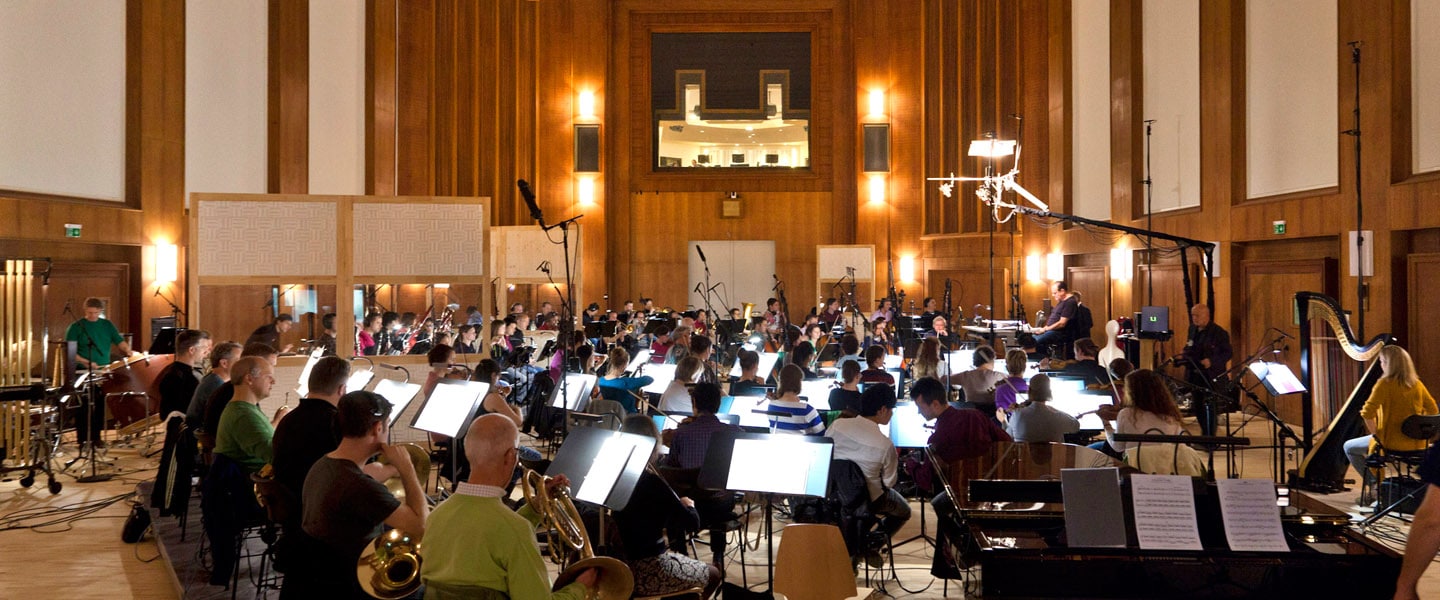
The Synchron Prime Template 2.0 is a curated template for multiple DAWs that comes with four sets of bespoke orchestrations for Divisimate. Explore hundreds of colors and textures with a carefully pre-balanced template that is ready to play.
Download for Free400 Playable Orchestrations Ready to go.
We have added a whole new performance and 20 additional orchestrations to the Prime Inspirations to showcase the powerful versatility of this combination.

Prime Core
100 Essential Colors

Prime Voicings
100 Chords & Structures

Prime Rhythms (New!)
100 Instant Patterns

Prime Inspiration (20 new!)
100 Idea Starters
A Perfect Match
THE SYNCHRON PRIME ORCHESTRA
This collection of orchestral instruments puts the famous sampling quality of the Vienna Symphonic Library in your hands in one single affordable package. It includes the most common instruments of the symphonic orchestra with all essential articulations, including true legato - all in their extremely flexible Synchron Player. It is a truly comprehensive all-in-one orchestral library.
Visit Developer's Website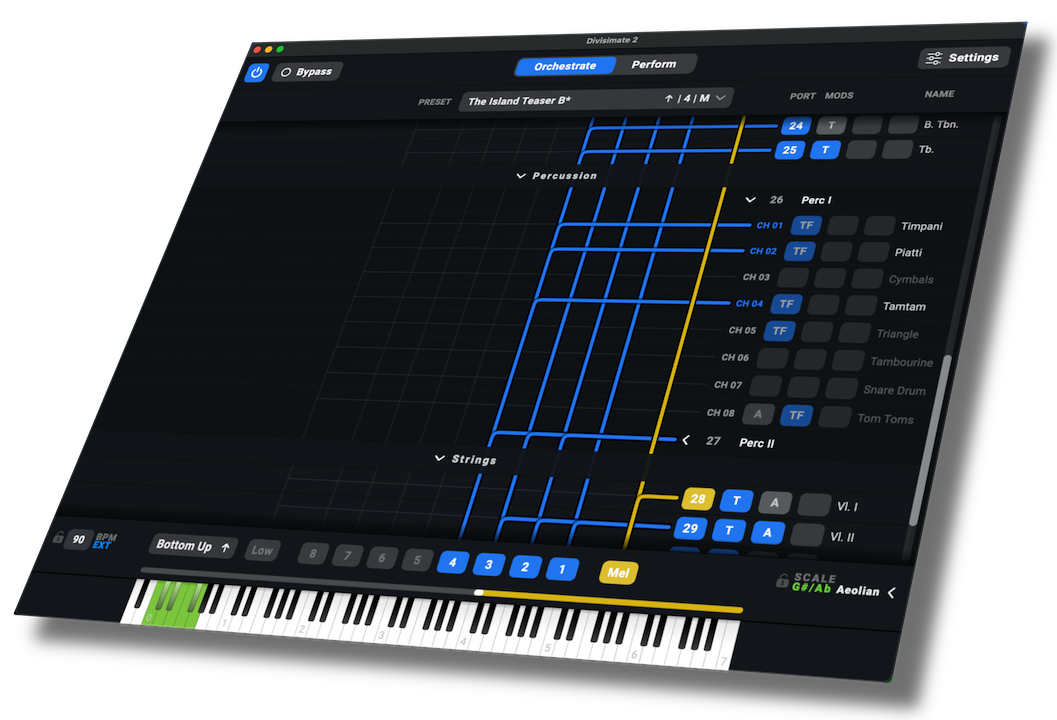
DIVISIMATE 2
Divisimate 2 runs either as a standalone application or as a plugin within your DAW. It creates virtual midi ports to send unique parts to up to 512 instruments in your template. By assigning and modifying musical voices to different instruments you can create playable orchestrations from your virtual instruments and record individual parts in real time.
Learn MoreCross-Discount
If you already own Synchron Prime Orchestra, we offer a special 20% discount on Divisimate 2. Check out the latest newsletter from Vienna Symphonic Library or reach out to support to receive your coupon code. If you already own Divisimate 2 the Synchron Prime Orchestra is over 30% off right now!.
Hey @Betatester!
We are happy to finally share with you the first beta release of our upcoming huge Divisimate 2.1 update! This is a very substantial update bringing multiple really powerful features but also just a looong list of details, quality of life improvements and fixes that have been accumulating over time.
You can download the installers here:
Here’s what is new:
NEW: Key Split functionality in Multipads You can now choose a „Key Split“ option within a Multipad to play two or three orchestrations side by side fully independently. Arpeggiators will synchronize, apart from that the orchestrations have independent Divisi Engines and routings. Beware though, it is possible to address the same instruments through two orchestrations at once, so use it with care.
ADDED: USB support for iOS Remote DivisiControl (available in a few days) Yes, you have read right! Divisimate 2.1 will support USB connection for the remote app. On Mac this will work right away, on Windows it will require an installation of iTunes first. This will of course need a new version of the app that is now in the review process of Apple for open beta.
ADDED: Transformer Plugin now includes a toggle to switch between sequental and parallel processing of rows Previously the transformer plugin was all parallel processing – it was not possible to transform a value, and then further transform it again. Now you can transform CCs to notes and lock them to a scale within one plugin.
ADDED: Key Range Remote – Assign Presets, Scale changes and other functions to keyswitches This feature was already included in Divisimate Core, and we are now bringing it to Divisimate 2, as promised. You can set up a keyswitch remote in the remote settings.
And more:
ADDED: Transformer plugin now allows reversing value ranges (e.g. inverting controllers) IMPROVED: Transformer rows can now be reordered by drag and drop IMPROVED: Dragging a plugin to the edge of the window will now automatically scroll up/down IMPROVED: When converting a regular port to a multitimbral port, routings, plugins and name will now be retained and moved to the corresponding channel IMPROVED: Added progress bar to performance export IMPROVED: Synchronization between Arpeggiator and Repeater plugins within and between presets IMPROVED: MPE compatibility has been improved for controllers that send pitch or controller data before the note on effect (e.g. LinnStrument) FIXED: Notes no longer get dropped when there is an extremely small gap between input notes FIXED: Upon preset loading Arpeggiator plugins now assume a value of 100 for scaling CCs FIXED: Switching between presets with different Arpeggiator plugins no longer leads to extreme wait times in certain situations FIXED: While enlarging steps in expert mode on the Arpeggiator plugin, transposition markers now follow correctly FIXED: Performance Manager no longer crashes when a duplicate name is entered through the Quickload menu FIXED: Program Changes for MIDI Remote are no longer swallowed before reaching the VST3 plugin FIXED: Double click on perform pad no longer sends trigger contents twice FIXED: Cursor will now react as expected to arrow keys while renaming presets on the Perform Page FIXED: The „New“ option on the Transformer plugin will now actually empty all rows instead of resetting to the default FIXED: The scaling CC number on the Arpeggiator plugin can now be entered via double-click FIXED: Trigger plugin now sends data again when copied to a new slot FIXED: Changing Performances using DivisiControl will no longer bring a minimized Divisimate to the foreground FIXED: Preset names now update immediately in DivisiControl after renaming within Divisimate 2 FIXED: DivisiControl no longer displays scale overlay in sync with Divisimate 2 FIXED: it is no longer possible to enter non-note names in the global scale menu
We hope you enjoy these new features and improvements. Give it a go, test it and try to break it, and post any and all issues you stumble onto unter #beta-bugs. And of course any questions you may have under #beta-discussion.
So long, we hope this update will run well for you!
The Nextmidi Team
Related Articles
2025-06-12
Berlin Orchestra Template is here!
Explore our new free template for Divisimate 2 and the Berlin Orchestra by Orchestral Tools
2025-03-14
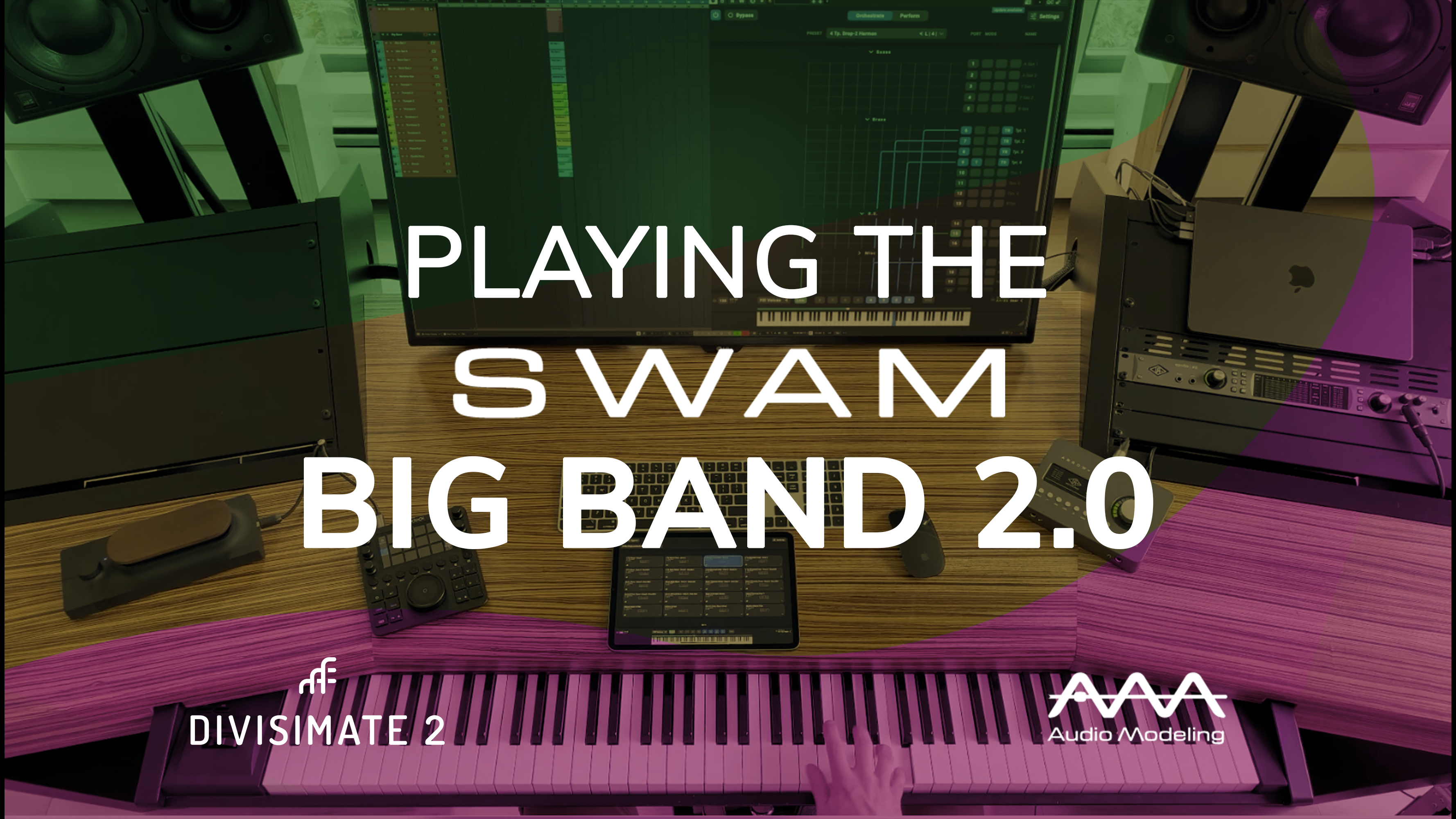
Playing Split Patches with the SWAM Big Band 2.0!
Perform big band in the right hand and bass in the left hand - Free Preset Download
2024-11-28
Divisimate 2.0.4 and Divisimate Micro 1.0.4
Fixes and improvements to our software are here now.